Choose words when there is no starting picture
Different starting material calls for different generation tasks. A written scene belongs here when the composition still needs to be invented, rather than inherited from an existing reference image.
A picture-based job should use the picture-reference route instead. Selecting a text example does not attach an image or switch models behind the scenes.
Choose words when there is no starting picture
The astronaut scene brief specifies both appearance and action: a small figure, an indigo desert, planetary scale and a forward camera push. Those choices must all be stated because no uploaded picture supplies them.
Open the composer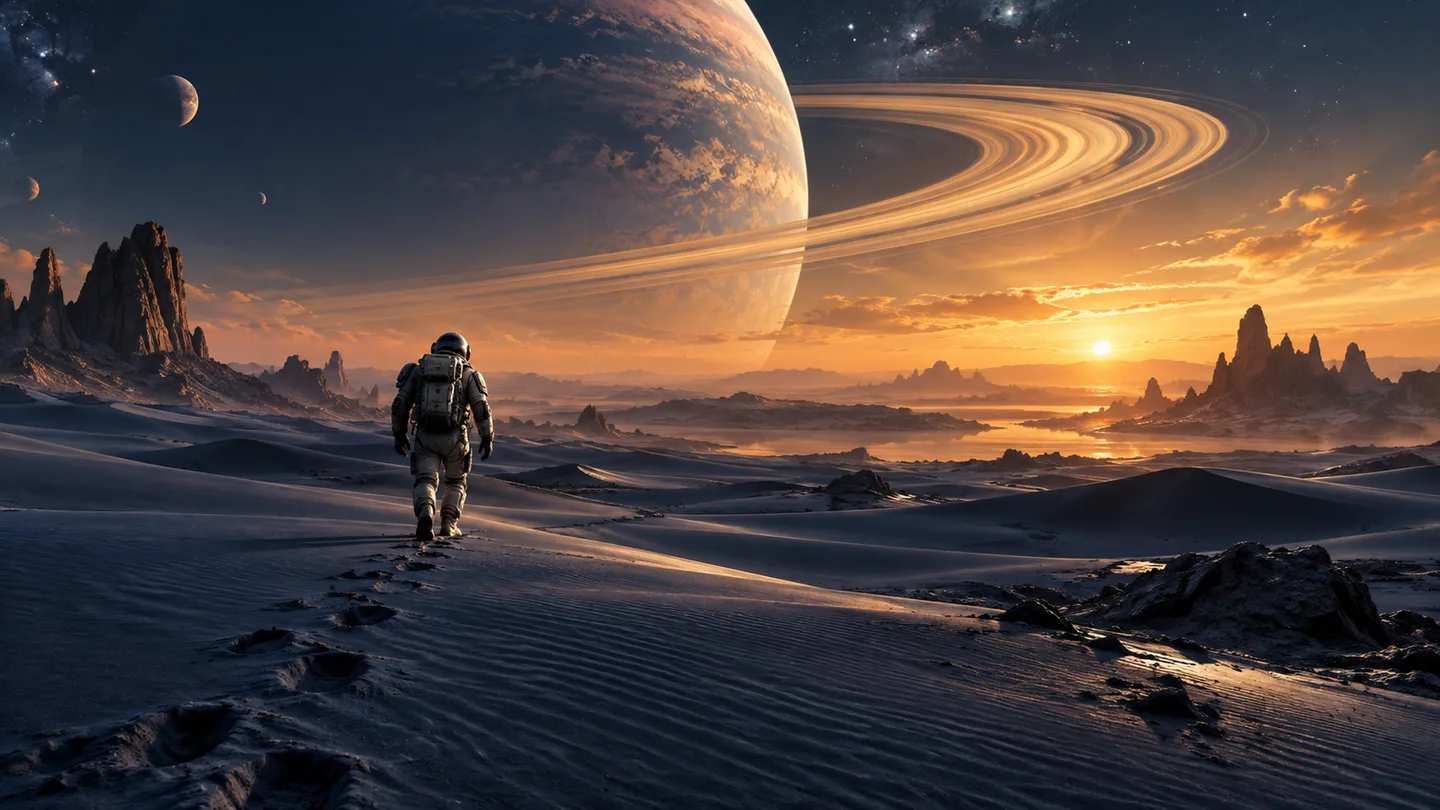
Put appearance and action in the request
A subject alone does not explain its environment or what it should do. Name the setting and movement so the intended shot is a coherent asset brief.
Open the composer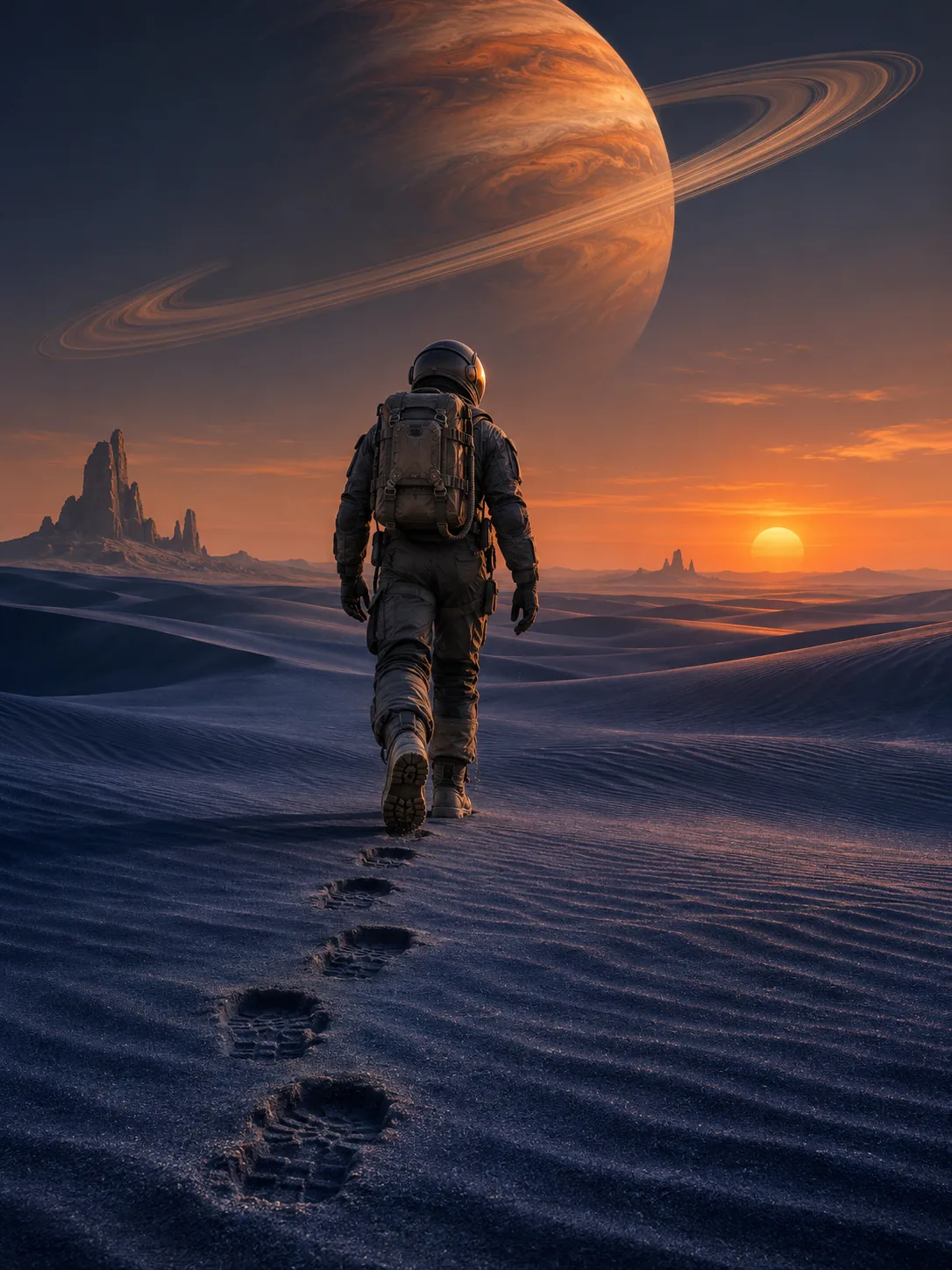
Keep output assessment distinct from assembly
Decide whether the generated take is useful before combining it with narration, graphics or music. One good shot is not automatically a finished multi-asset project.
Open the composer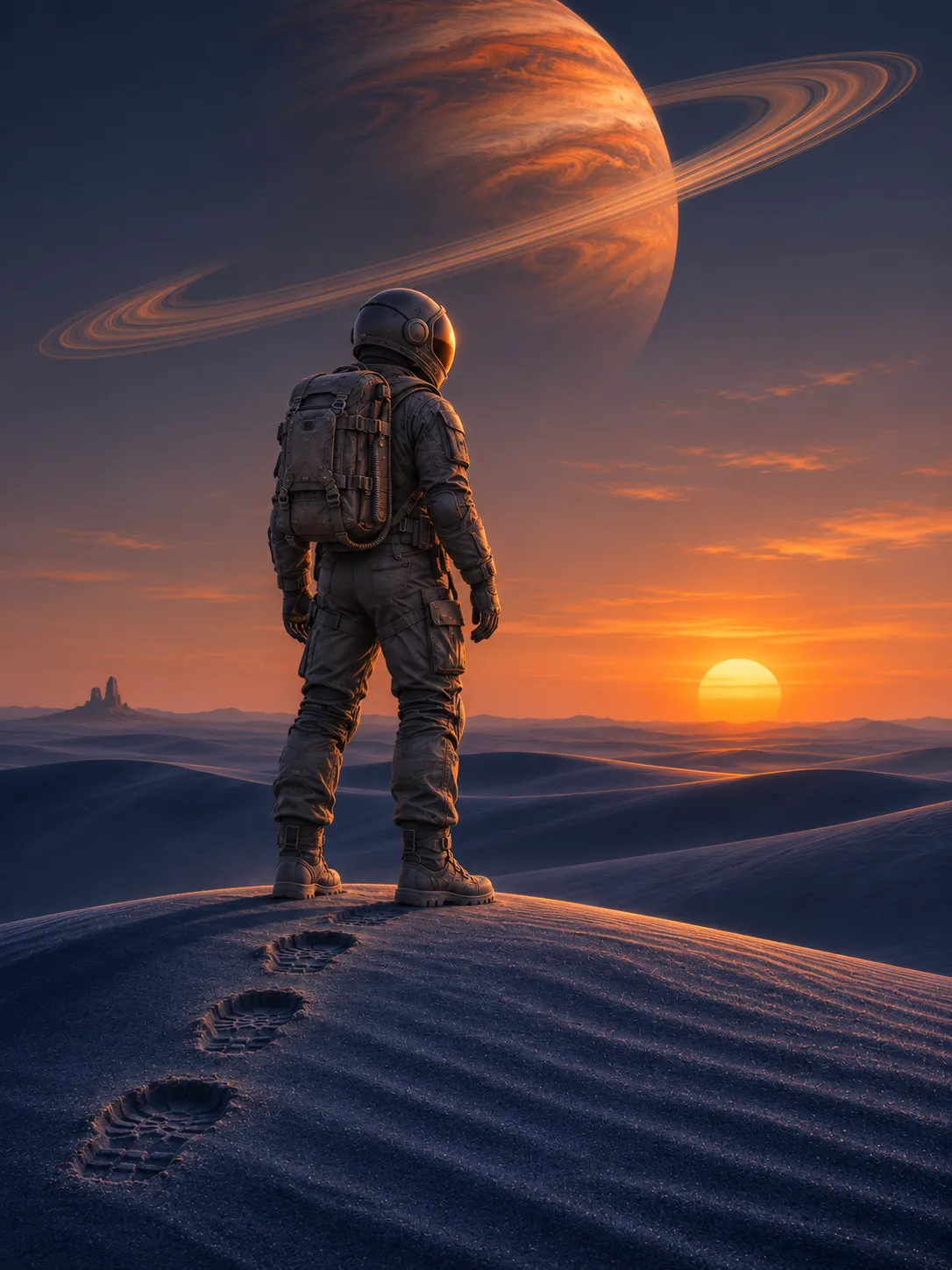
Describe the shot before assembling the project
Words establish both the scene and its motion here, so give the subject, setting and camera direction distinct roles.
Write the scene and the action
Bring a written description of the new scene, including visual layout and temporal action, rather than a mandatory image upload.
Watch the take as a usable shot
Inspect the take as a standalone shot: subject readability, environmental structure and camera behavior all affect whether it belongs in the project.
Choose text, specify the take, review the asset
Start with the scene’s subject and setting, add one camera move, then review the whole take before revising the brief.
Choose text, specify the take, review the asset
- 01
Confirm the text-first starting point
Use this task when words, rather than an existing picture, should establish the scene.
- 02
Specify the shot asset
Describe the astronaut, planetary environment and measured camera push; review the text-video options and request cost.
- 03
Assess before assembling
Watch the full take and decide which part of the shot needs a revised instruction before using it alongside other assets.
A shot created from verbal direction
Text-to-video produces a moving scene from verbal direction. It differs from an image-reference task because the prompt must establish the scene’s initial appearance as well as its motion.
For the astronaut scene, check whether the silhouette stays readable against the desert and whether the camera advances without disrupting the landscape.
Selecting a text-first video task
Which task should I choose if I already have the exact picture?
Use image-to-video when that picture should establish the starting appearance. Text-to-video is for a scene whose look is being specified in words.
Is the generated take a finished video project?
It is material to review as a shot. Exact editing, soundtrack placement and final assembly require their own production decisions.
Does selecting this example also select a model?
The example supplies its prompt text. Inspect and choose the available model settings yourself before submitting the request.