Choose an edit when the source image is already useful
The first decision is which job the picture needs. If its composition is useful but a detail needs revision, an edit request is different from describing an entirely new asset from scratch.
This prompt-based task does not provide a guarantee of exact manual retouching, editable layers or an automatic multi-tool production chain.
Portrait wardrobe palette variation
The portrait pair tests a wardrobe palette while keeping the same basic setup. Its ivory-to-violet change gives you an edited picture to assess independently; no video continuation is required.
Open the composer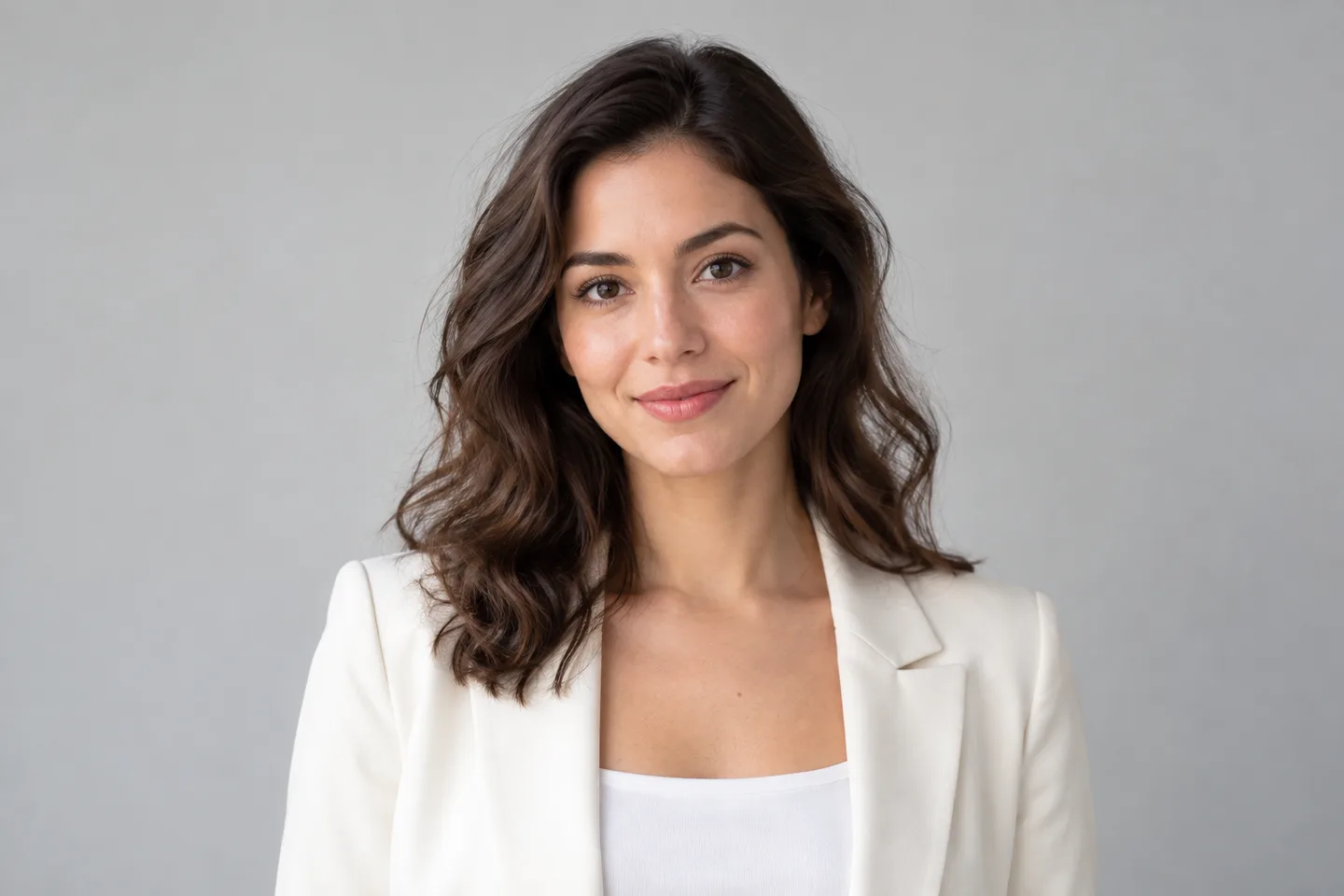
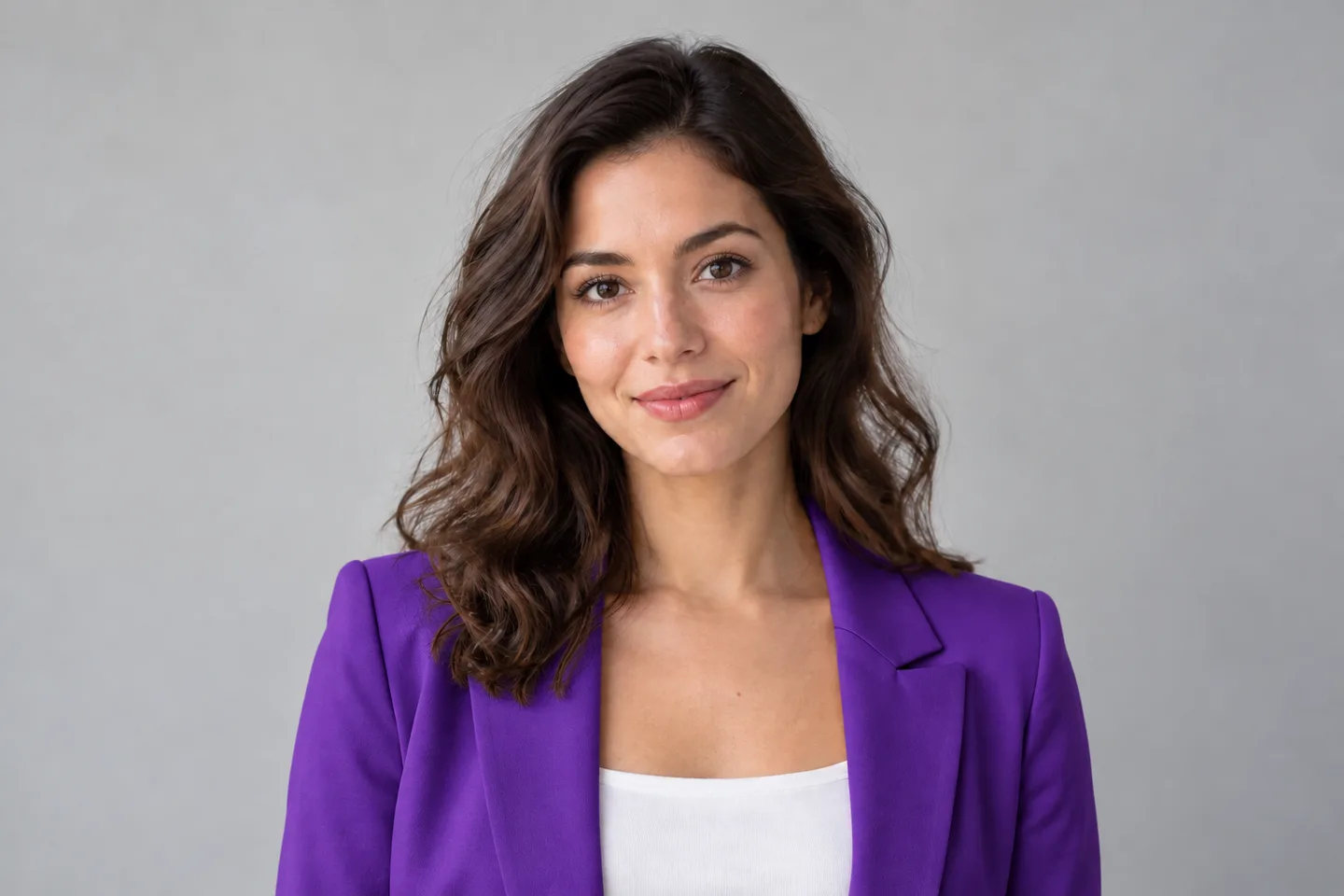
Keep the input and output in the same task
Supply the existing image and describe the revision. A reference picture belongs to this edit request, not to an implied video workflow or a newly invented scene.
Open the composer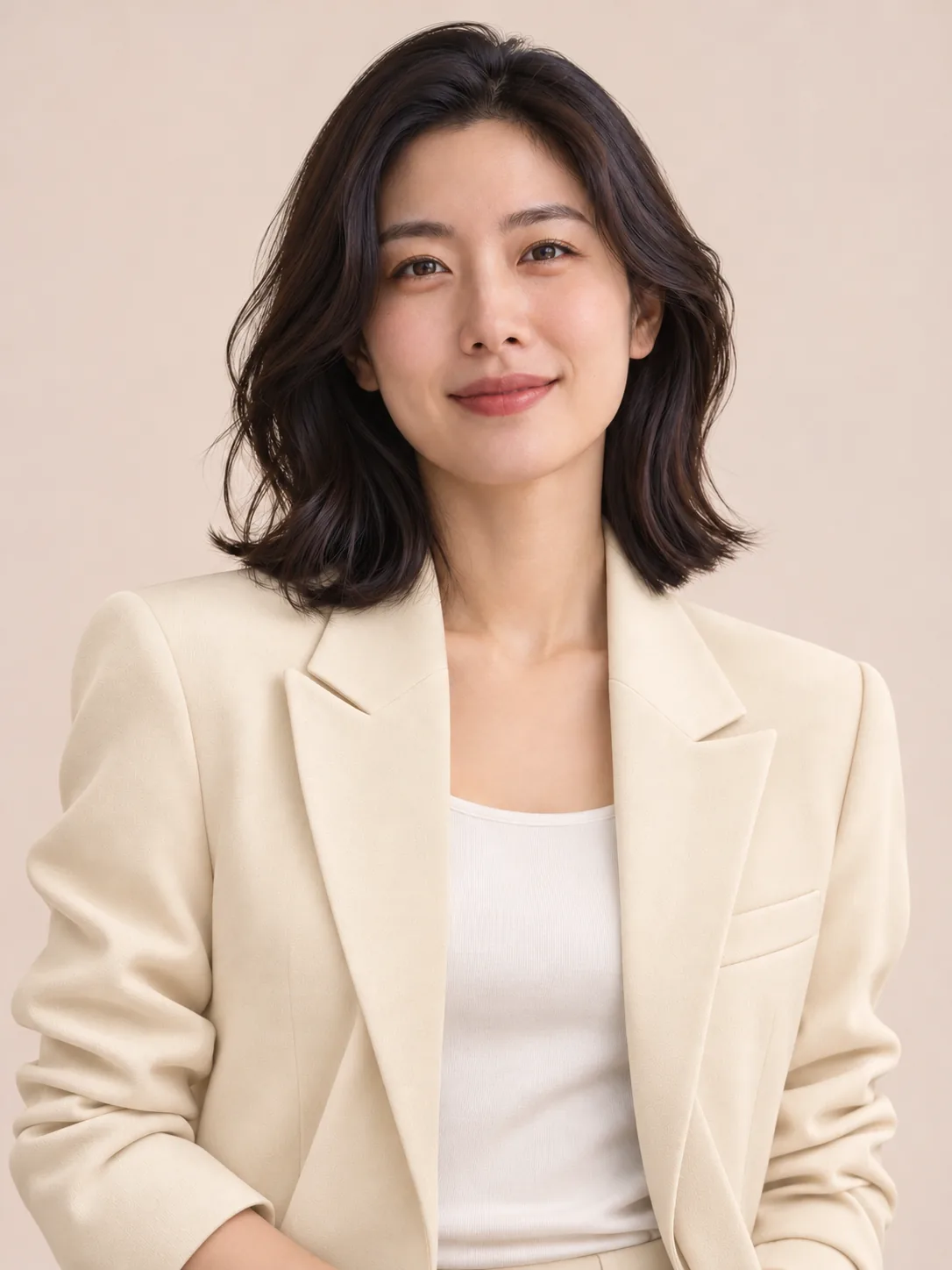
Evaluate the revised asset by its intended use
Look at the portrait’s face, jacket and surrounding area together. If the picture will sit beside other project material, compare its palette and finish before adding further changes.
Open the composer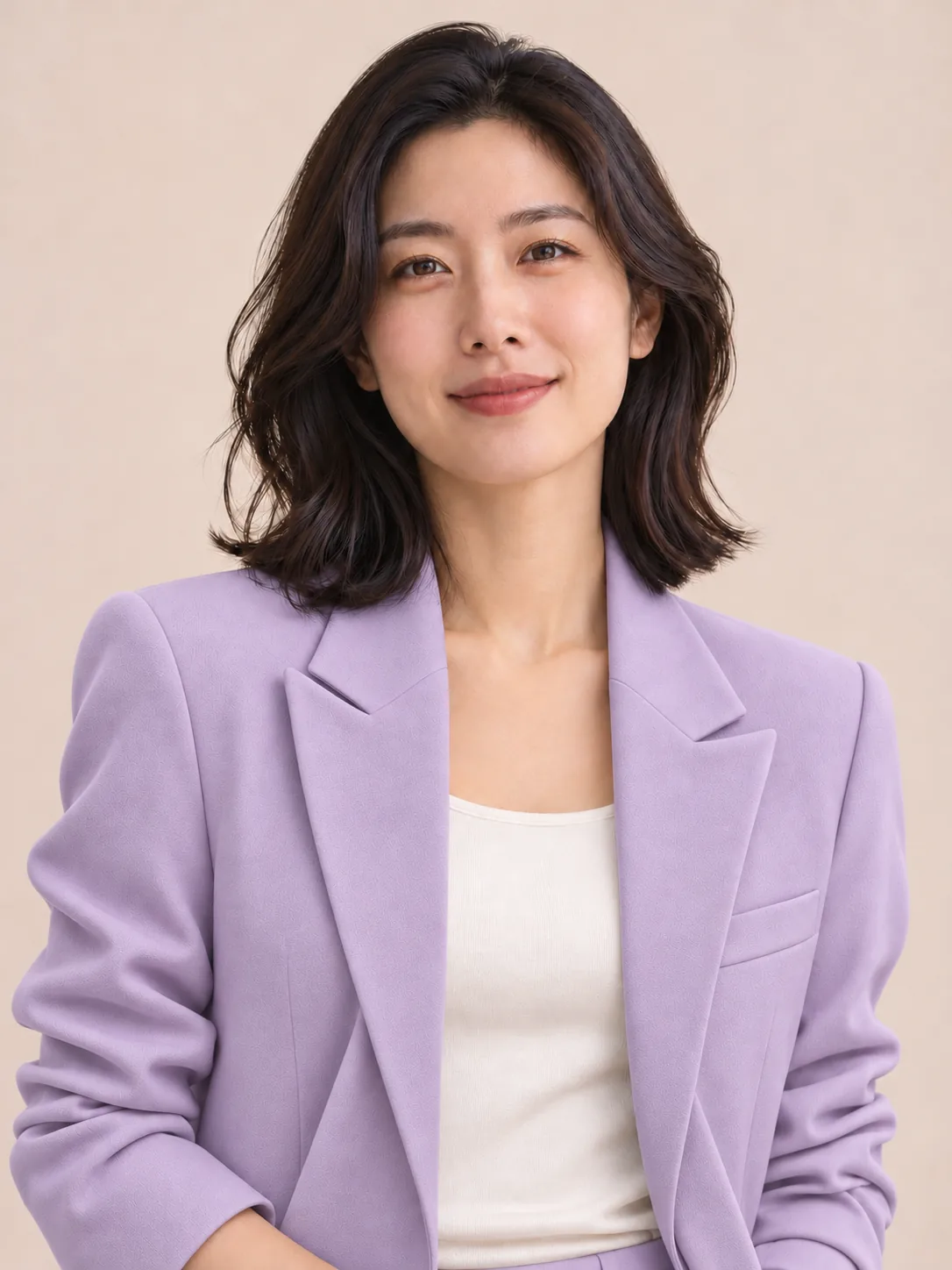
Define the wardrobe change and its boundaries
A clothing revision needs two clear decisions: which fabric changes color and which portrait details stay in place.
Start with the asset and finish with a comparison
Attach the picture, identify the garment and desired color, then compare the changed area with the surrounding portrait.
Start with the asset and finish with a comparison
- 01
Decide whether to edit or generate
Keep this task for a source picture with a defined revision goal.
- 02
Submit a specific change
Attach the portrait and request a violet jacket with the original setup retained; inspect the image settings and displayed price.
- 03
Choose the useful picture
Compare the result with the source and decide whether that image meets the project’s need without requiring another tool.
Editing is a different starting point
An AI image edit starts with an existing visual asset. A new-image request begins from a different starting point, while a video request must also describe change over time.
Place source and result side by side to check the jacket edges, white inner layer and facial detail, as well as the new color.
Choosing the right image task
When should I edit instead of start a new image?
Choose an edit when the source already supplies the composition you want and the required difference is specific enough to describe.
Does the revised image have to continue into video?
No. The picture can be evaluated as the result of this task; making motion from it would be an optional, separate request.
What should remain explicit in a wardrobe revision?
Distinguish the outer garment from the inner top and identify the portrait setup you want retained, then compare both areas afterward.